Living Room · Tool · 4 min ·
Will your TV fit on the stand? Check the feet and see
A TV stand is sold by the biggest screen it takes, but what decides whether your TV sits well is its width and how far apart its feet are. Turn a screen diagonal into a real width, then try your own TV and stand in a front-view planner: choose where the feet sit, resize the stand, and see at once whether the feet are on it and whether the screen overhangs.
Includes a measure-before-you-buy checklist, a common stand-width rule of thumb and when to break it, and basic anti-tip safety.
Start with the feet, not the screen
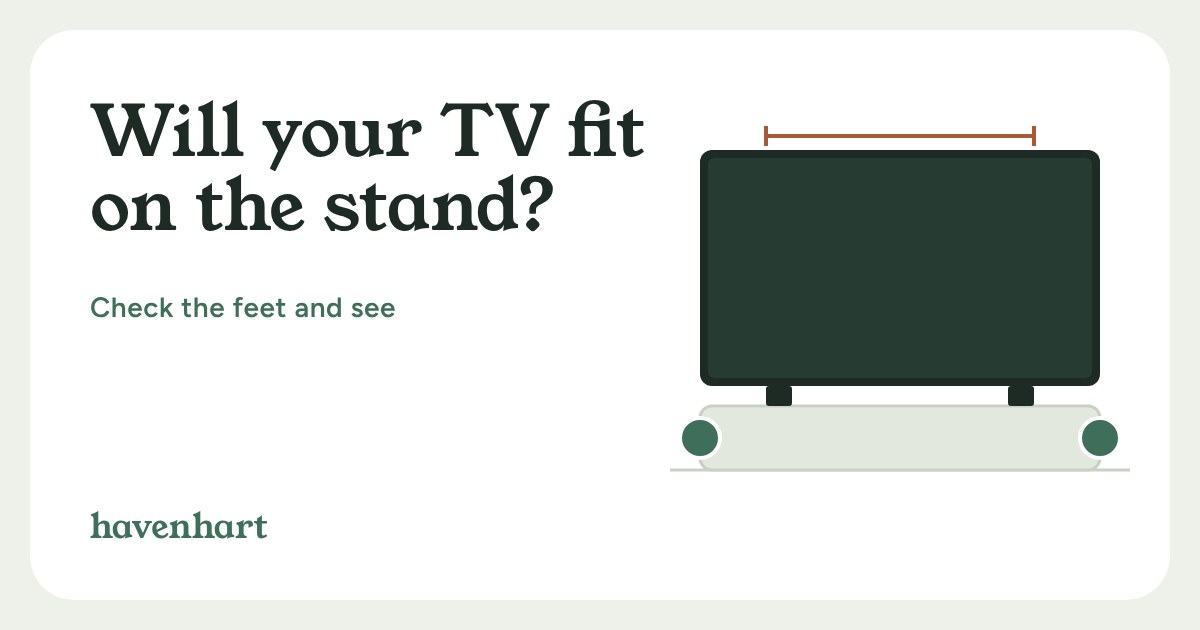
A TV stand is sold by the biggest screen it takes, such as "up to 65 inches". That number is a diagonal, and it hides the two measurements that decide whether your TV actually sits well: how wide the TV is edge to edge, and how far apart its feet are. Most TVs stand on two feet, and those feet are usually set in from the edges. A stand can be wide enough for the screen and still be too narrow for the feet, or the other way round.
Check this before you buy a stand, and before you decide that the old sideboard in the hall will do the job. It takes a tape measure and five minutes.
From diagonal to width
Almost every TV today is 16:9, which makes the conversion simple: width is about 0.87 times the diagonal. The diagonal is quoted in inches, so multiply by 2.54 for centimetres first. The screen is not the whole TV, because the frame adds a little at each side. Allow about 2 cm in total for a slim modern frame, and measure yours to be sure.
| Diagonal | Screen width, about |
|---|---|
| 43 inch | 95 cm |
| 50 inch | 111 cm |
| 55 inch | 122 cm |
| 65 inch | 144 cm |
| 75 inch | 166 cm |
| 85 inch | 188 cm |
Try your own TV and stand
Pick your TV size, choose where its feet sit and set the width of the stand you are considering. You can also drag the green handle on the stand to resize it. Everything is drawn at the same scale, so a bigger TV really looks bigger.
The rule of thumb, and when to break it
A common furniture-guide rule is that the stand should be at least a few centimetres wider than the TV, with about 8 cm (3 inches) wider overall as a floor. Wider than that is fine and often looks calmer. A stand the same width as the TV, or narrower, is the shape that tips most easily.
You can break the rule in a few cases. A TV on a centre pedestal only needs a stand that holds the pedestal base with room to spare, as long as the maker says that is fine. A TV on the wall does not need a stand at all, though it still needs a surface or shelf for the soundbar and cables. And a long, low sideboard that is much wider than the TV is not a mistake; it simply leaves space for a lamp and a plant on each side, which is the cosy bit.
Measure before you buy
- TV width: measure edge to edge, frame included, not the diagonal.
- Foot span: measure from the outer edge of one foot to the outer edge of the other. The TV's manual or spec sheet often lists it, but measuring takes seconds.
- Foot depth: measure the foot front to back and check it against the stand's top depth, so the foot does not sit on the front edge.
- Stand limits: look for the maker's stated maximum TV size and weight, and check your TV's weight against it.
- Height: the screen's lower edge should sit around seated eye level once the TV is standing on the stand, so measure from the floor to your eyes on the sofa.
Keep it from tipping
A TV is top-heavy, and a knock from a child, a pet or a vacuum cleaner can be enough to tip it. Most TVs ship with, or can take, an anti-tip strap that fixes the back of the TV or stand to the wall, and wall anchors suit tall furniture. In a rental, ask what the walls allow before you drill, and choose a low, deep stand over a tall, narrow one.
Cosy is not about buying more
If a sideboard, low bookcase or console table you already own passes the checks above (width, foot span, depth and weight), it is a perfectly good TV stand. A second-hand one that fits is often better than a new one that nearly does. Measure first, then decide whether anything needs to be bought at all.